Find a useful place for a phone grip
A grip needs to work with your hand, phone case and charging routine. Find the position before committing adhesive to the case.
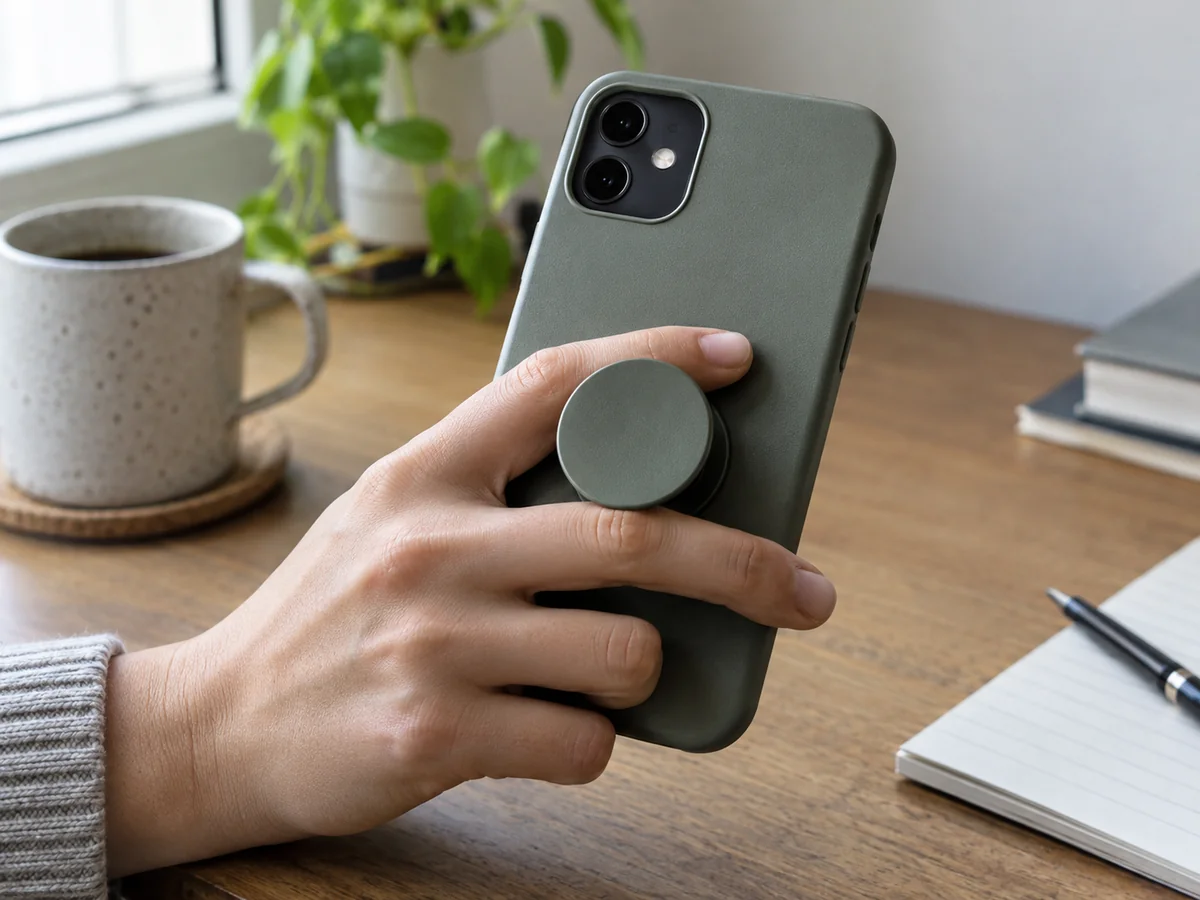
Try the movement without sticking anything down
Hold your phone in its normal case and notice where your fingers rest. The most comfortable grip position may not be the geometric centre of the back. It depends on the phone's size, your hand and whether you mostly read, type or take photographs. Try holding the uninstalled grip in place over a soft surface, without relying on it to support the phone, and check your reach to the screen.
Repeat that check with the other hand if you switch hands often. Also consider landscape use and the position of the camera lenses. A grip placed well for scrolling may obstruct a camera or sit awkwardly when used as a stand. If the product offers a stand function, check the orientation it is designed for. Do not assume every grip supports the phone equally well at every angle.
Check the case and attachment system
Adhesive, magnetic and mechanically attached grips have different compatibility requirements. A smooth-looking silicone case may be unsuitable for a particular adhesive. A magnetic grip needs the correct compatible phone or case arrangement, and its position is governed by that system. Read the instructions for the exact model rather than combining advice from different attachment types.
Keep cameras, buttons, charging ports and ventilation areas clear. Prepare the case only with cleaning methods permitted by its maker and the grip supplier. Do not apply a solvent to a coated case simply because it is suggested for another surface. Follow the specified settling time for adhesive before relying on the grip. A placement test is a chance to avoid repeated removal and repositioning, which may reduce the bond.
Include charging and carrying
Check whether the grip must be removed for your wireless charger and whether it is intended to work with any mount you use. Product families can contain both compatible and incompatible versions. A convenient grip is less convenient if it makes the usual charging setup awkward every evening. Check how the assembled phone fits a pocket or pouch too; a projecting part can catch on a tight opening.
Once installed according to the instructions, inspect the attachment regularly. Stop using a loose or damaged grip to support the phone and follow the maker's replacement advice. It is an aid to handling, not a guarantee against dropping the device. Avoid holding an expensive phone over a hard floor just to test a new attachment. The best position is one that lets your hand relax while respecting the limits of the case, charging system and grip itself.